Audio preferences
To open the audio preferences window, we click [Myelin Director] -> [Preferences] in the menu bar on macOS, and [File] -> [Preferences] in the menu bar on Windows.

Here, you can select the audio output for the audio tracks and LTC SMPTE timecode output, and audio input for the SMPTE LTC timecode input. You can also choose your preferred sample rate and buffer size.
Please note: video files in Myelin Director are played using the OS's native video player. The audio of the video is therefore routed through the OS's selected audio device as well. For several formats, you can load the video on an audio track as well, to have control of the audio outputs.

When you have selected an audio output device, they will show up in audio tracks' and timecode tracks' audio output settings.
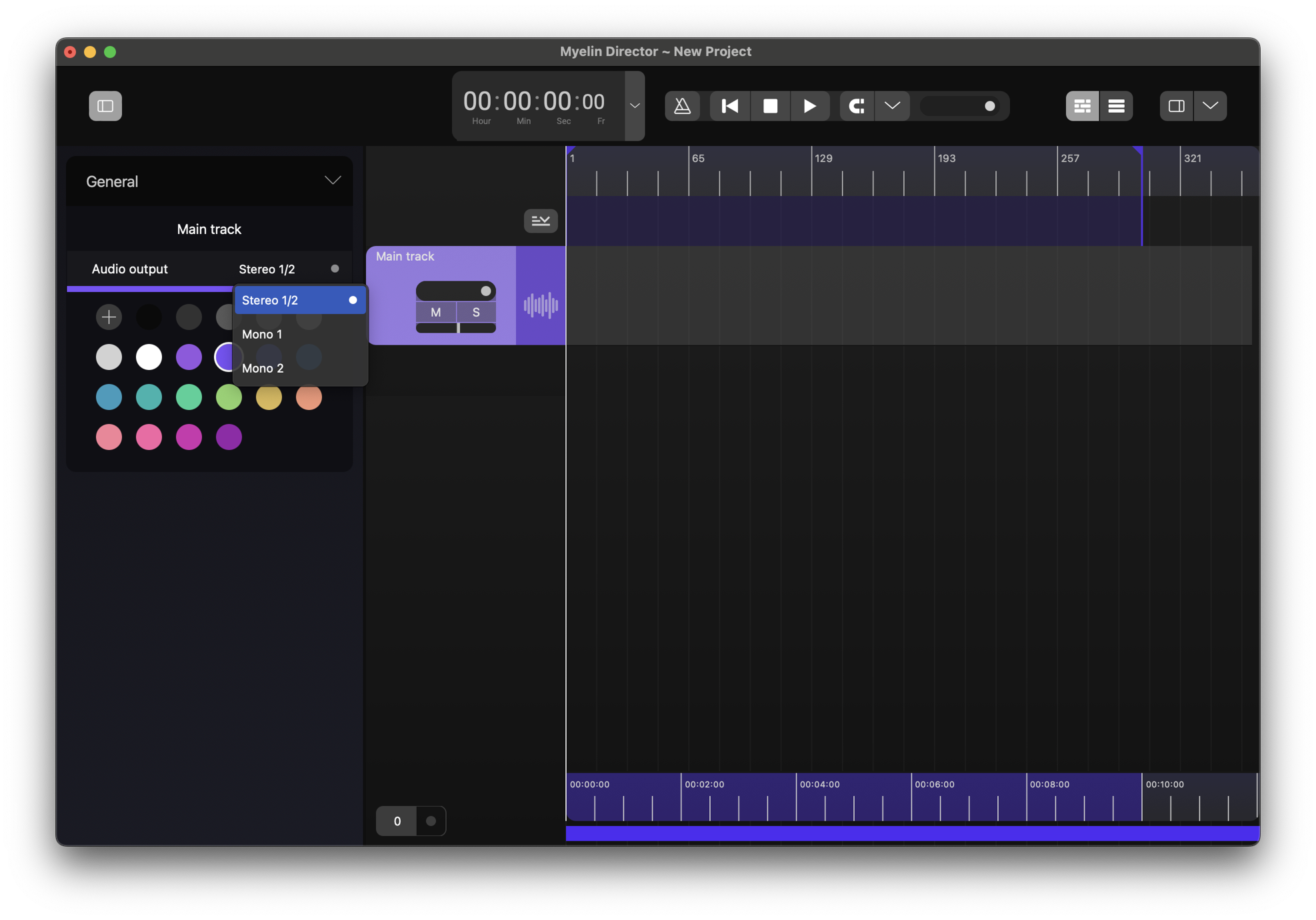
If there are no options available, or an audio output that was present before isn't anymore, the setting will remain, and it will pick up the audio output as soon as it is available again.