Activate Myelin Director on your device
When starting Myelin Director without a valid license, the license management window will appear at launch.

You have four options:
*If Myelin Director at boot detects that a trial has already been used on your device, the option to start a trial will not appear.
Start trial
To start a 20 day trial on your device, there are two prerequisites:
- Your email address has not been used for a Myelin Director trial
- Your device has not been used for a Myelin Director trial. If Myelin Director at boot detects that a trial has already been used on your device
At the license manager home screen, click [Start trial].
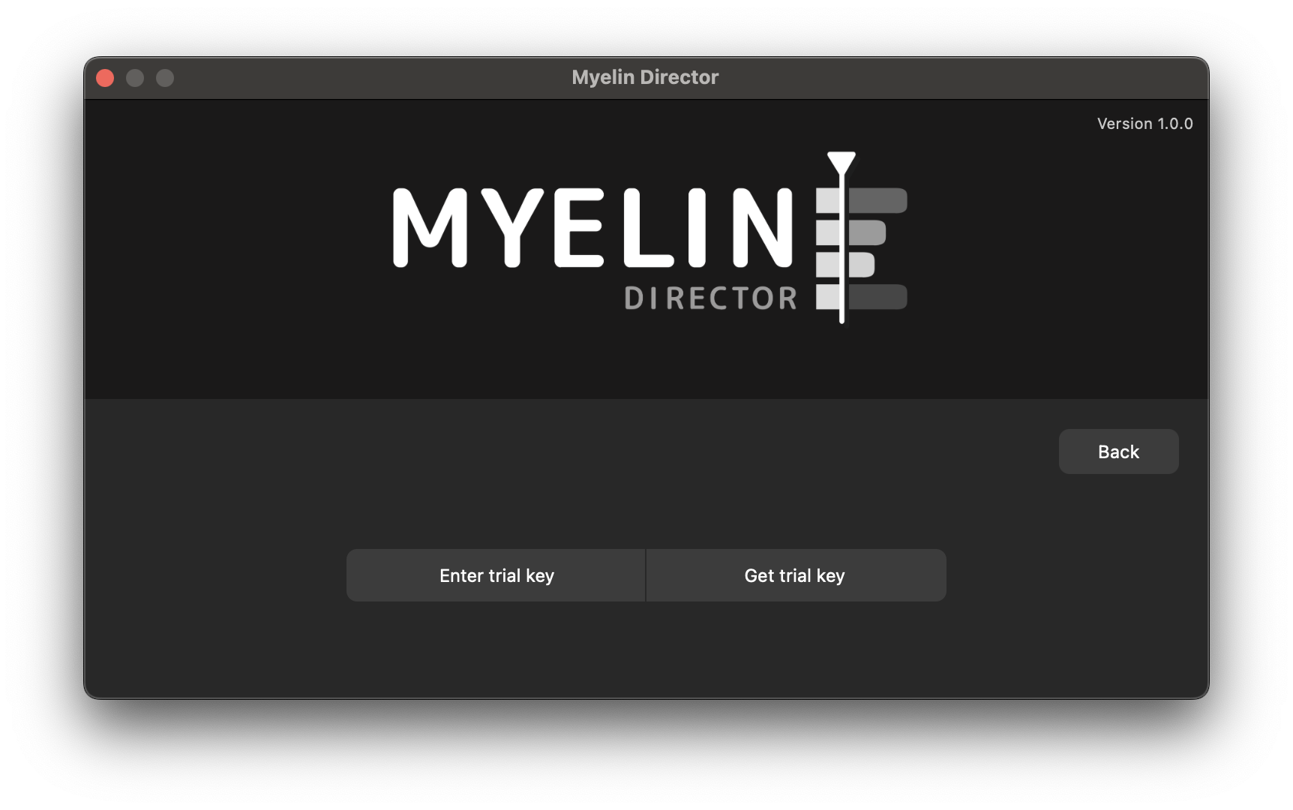
If you already have requested a trial key, click [Enter trial key]. Otherwise, click [Get trial key].

Fill in your email address and click [Request trial]. You will be prompted with a message indicating whether the trial request was successful. If the request was successful, check your inbox for the email with the trial key. You will be taken to the page where you can enter your trial key.
If you don't see the email right away, make sure to check your spam folder.
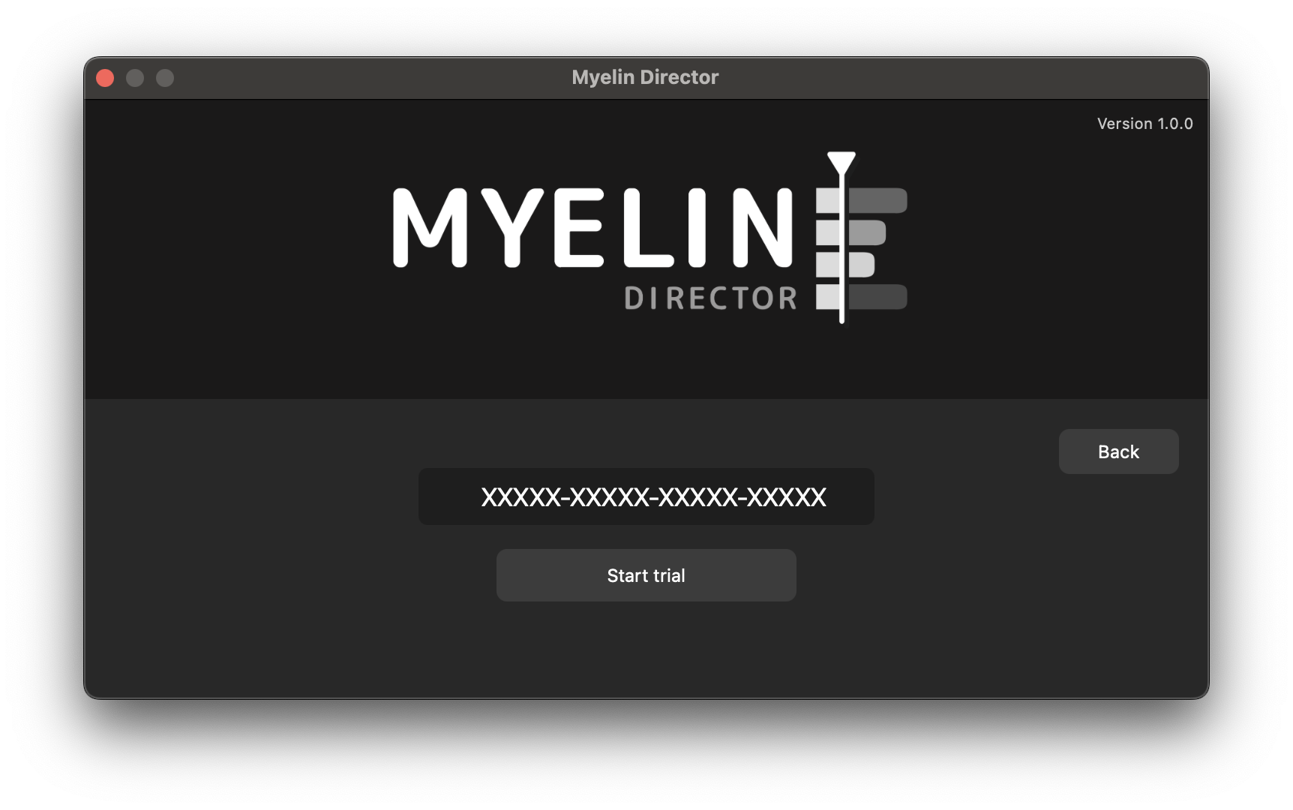
Enter your trial key and click [Start trial]. If the key is valid, and your computer has not been used for a trial before, the activation will be completed, and your trial will commence. You can continue to Myelin, and use the software without limitations for 20 days.
Get a license
Clicking [Get a license] will take you to MyelinDirector.com, to purchase a license.
Activate license
To activate a license key you have received after purchasing a Myelin Director license, you click [Activate license].

In the three text fields, you fill in
- The email address of the license
- The key of the license
- A device identifier. If you activated Myelin Director on multiple devices, this will help you identifying the different devices.
If all the credentials are filled in correctly, and you click [Activate license], your device will be activated and you will be able to continue to Myelin, and use the software with all the features unlocked by your license. Upon next boot, you will not be greeted with the license manager anymore, but will be taken straight to Myein Director's project selector.

Free mode
Myelin Director can also be used in 'Free mode'. This mode unlocks all editing capabilities of the software, but will only enable two channels of audio output, and will disable all timecode, MIDI and OSC input and output, and disable the exporter functionality.