Visual Media tracks
We start with a project containing an audio track.
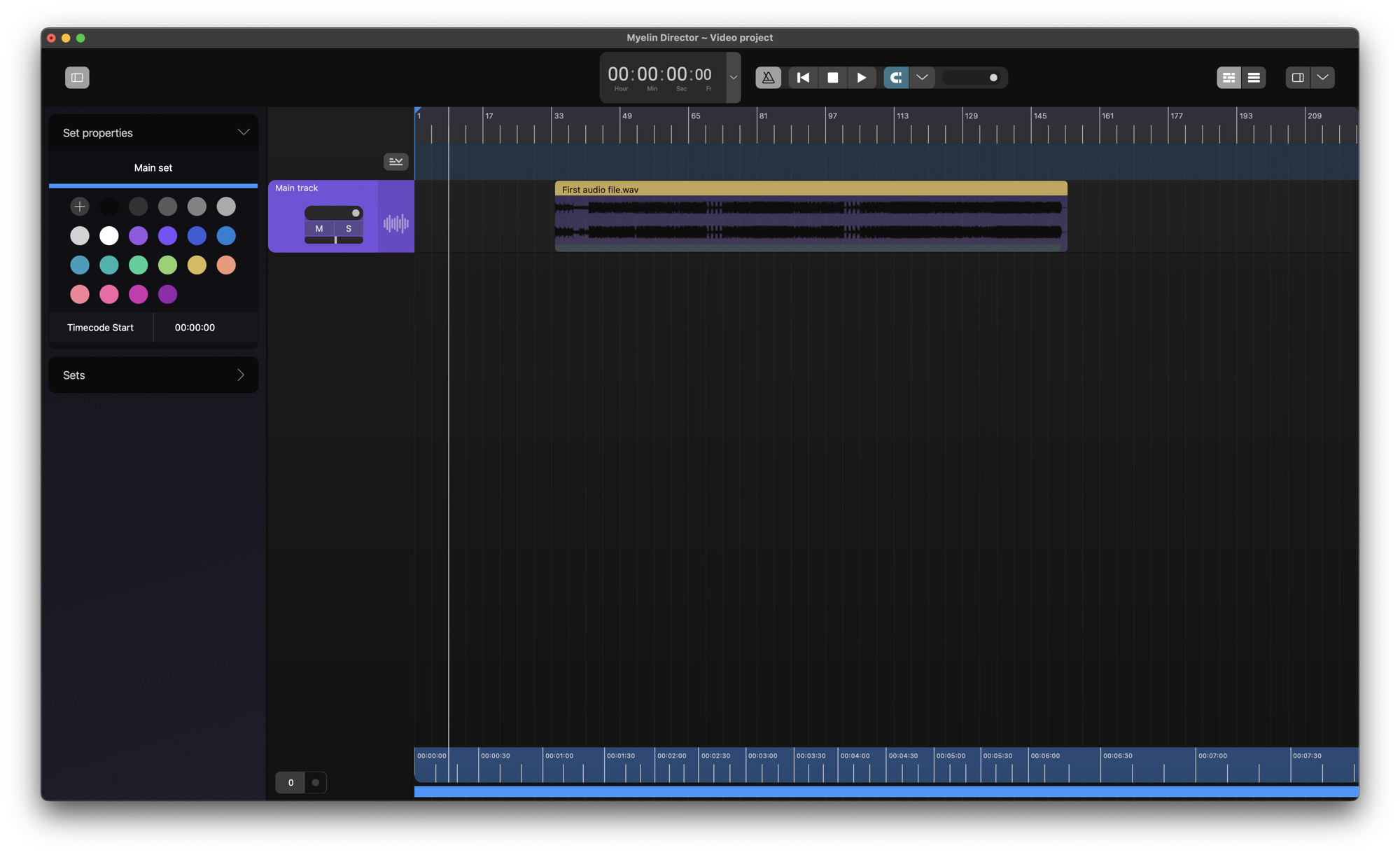
To insert an visual media track into your project, right click on the sidebar of of the timeline, and click [Add visual media track].

We can change the name and color of the visual media track, to better reflect its function.

Please note: video files in Myelin Director are played using the OS's native video player. The audio of the video is therefore routed through the OS's selected audio device as well. For several formats, you can load the video on an audio track as well, to have control of the audio outputs.
Visual media tracks can hold both videos and images, with the following format extensions.
- Video: .mov, .mp4
- Image: .jpg, .jpeg, .png
You can import a visual media file to the track by right clicking at point you want the visual media file to start and click 'Add visual media file file', or by dragging and dropping a visual media file onto the track. For images, you can also select an area and add an image to that area by right clicking and clicking 'Add visual media file file'.
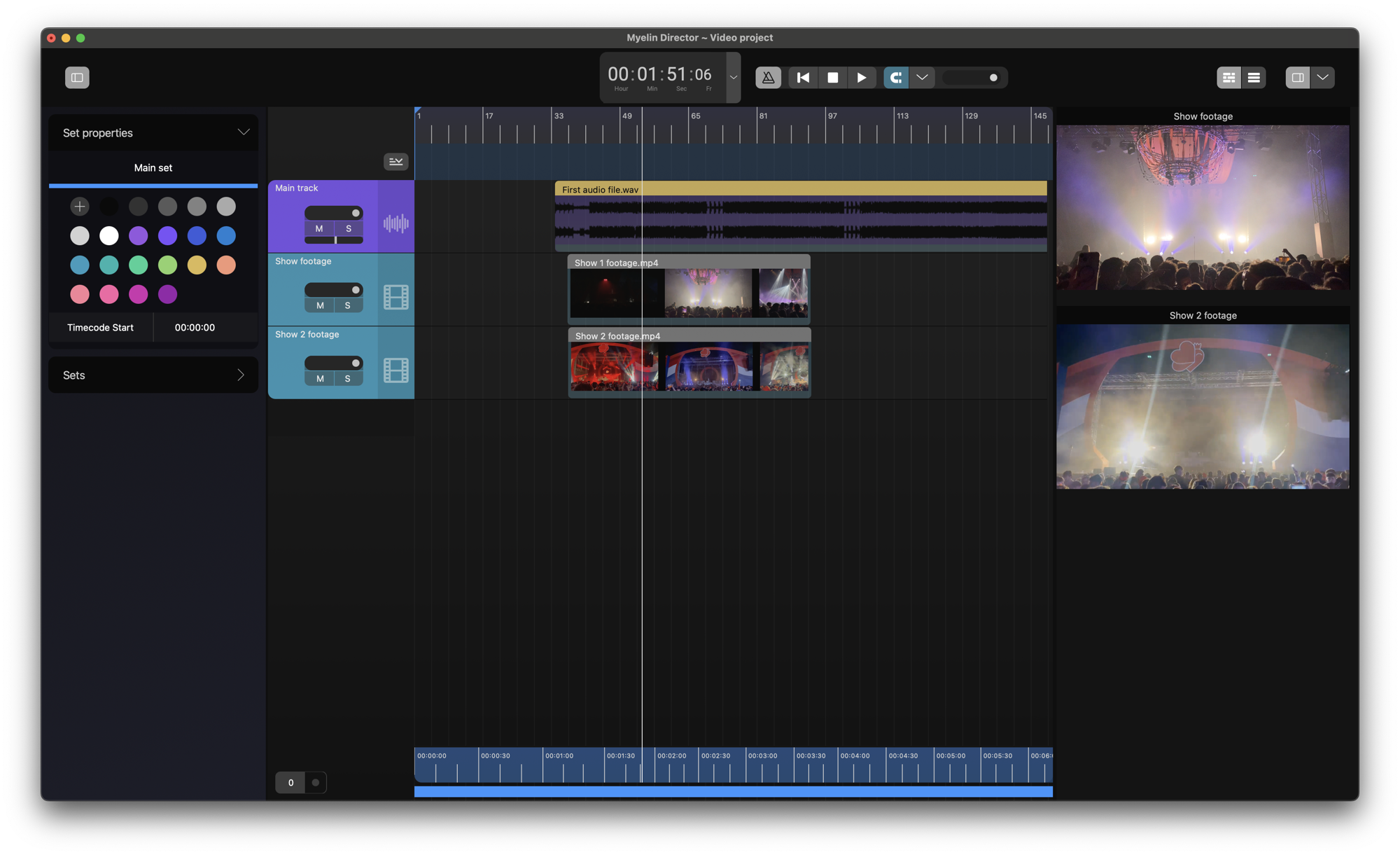
We import a video file containing footage of a past performance, and align it to be in sync with the audio track. This can be helpful for evaluating the performance and adding content where necessary.
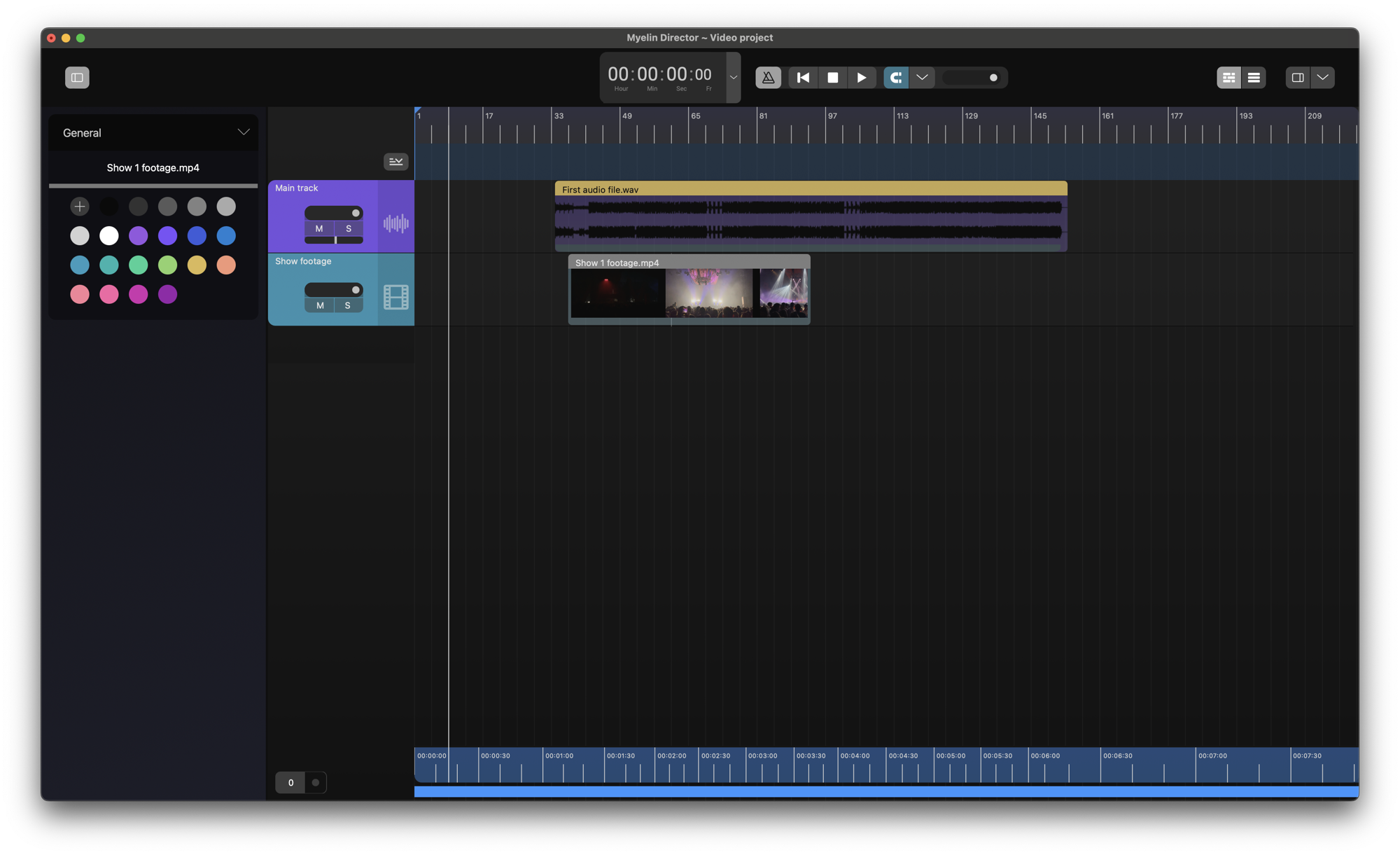
Thumbnails are shown in the video segment on the track.
To evaluate another performance of the same moment in the show, we add another visual media track and insert another video. We trim both videos, such that their start and endpoint is the same.

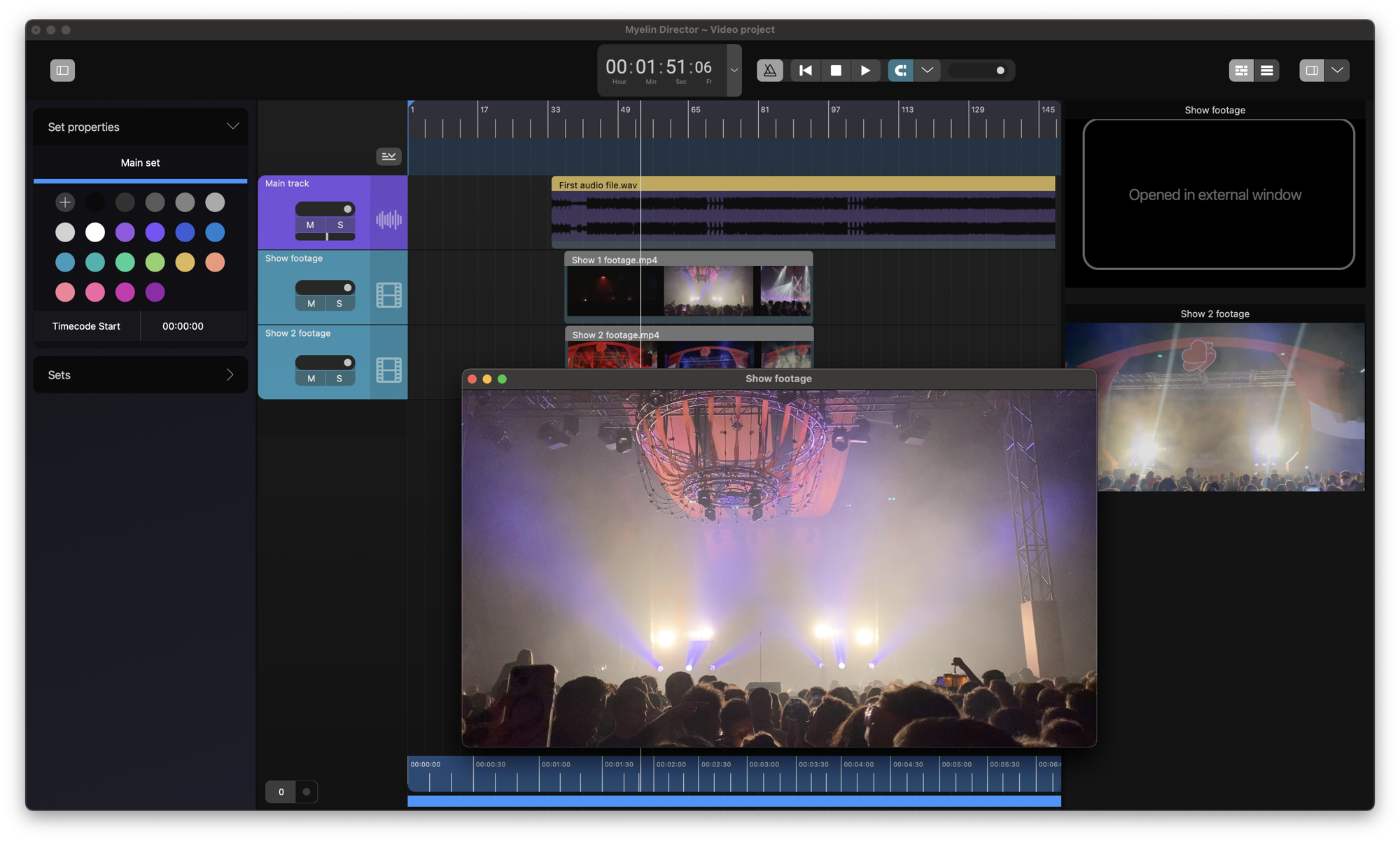
The view the visual media in the right sidebar, we can open the right sidebar in 'Visual Media' mode.
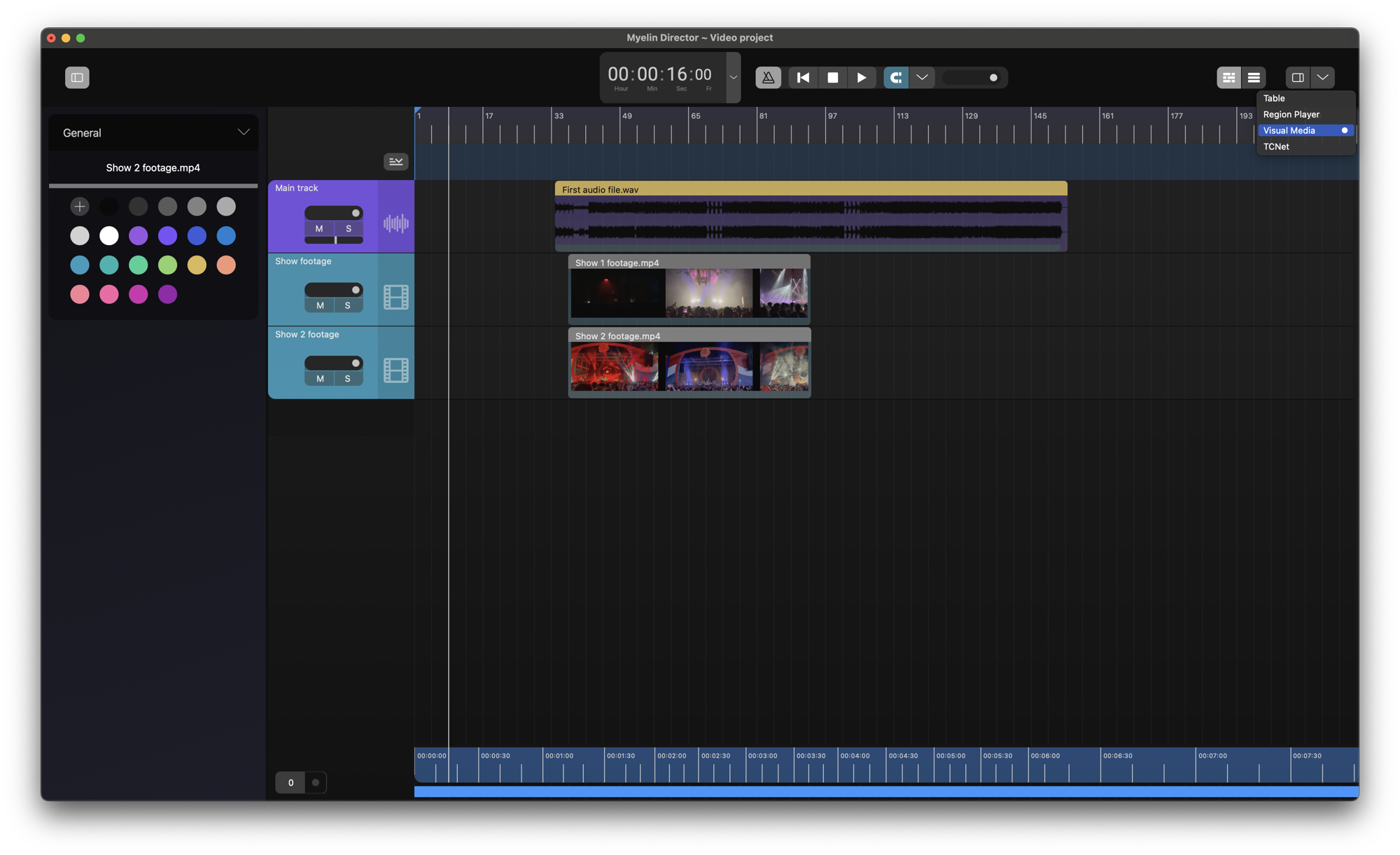
Now, we can scrub and playback the videos and watch them in the sidebar. The size of the sidebar can be changed by draging its left side.
Visual media tracks can also have their own separate window, to be able to enlarge the content, or show it in full on a separate display for example. In order to do so, you click [Window] -> [Show trackname] in the menu bar. This launches a dedicated window for the visual media track and disables the sidebar view.