External Synchronization
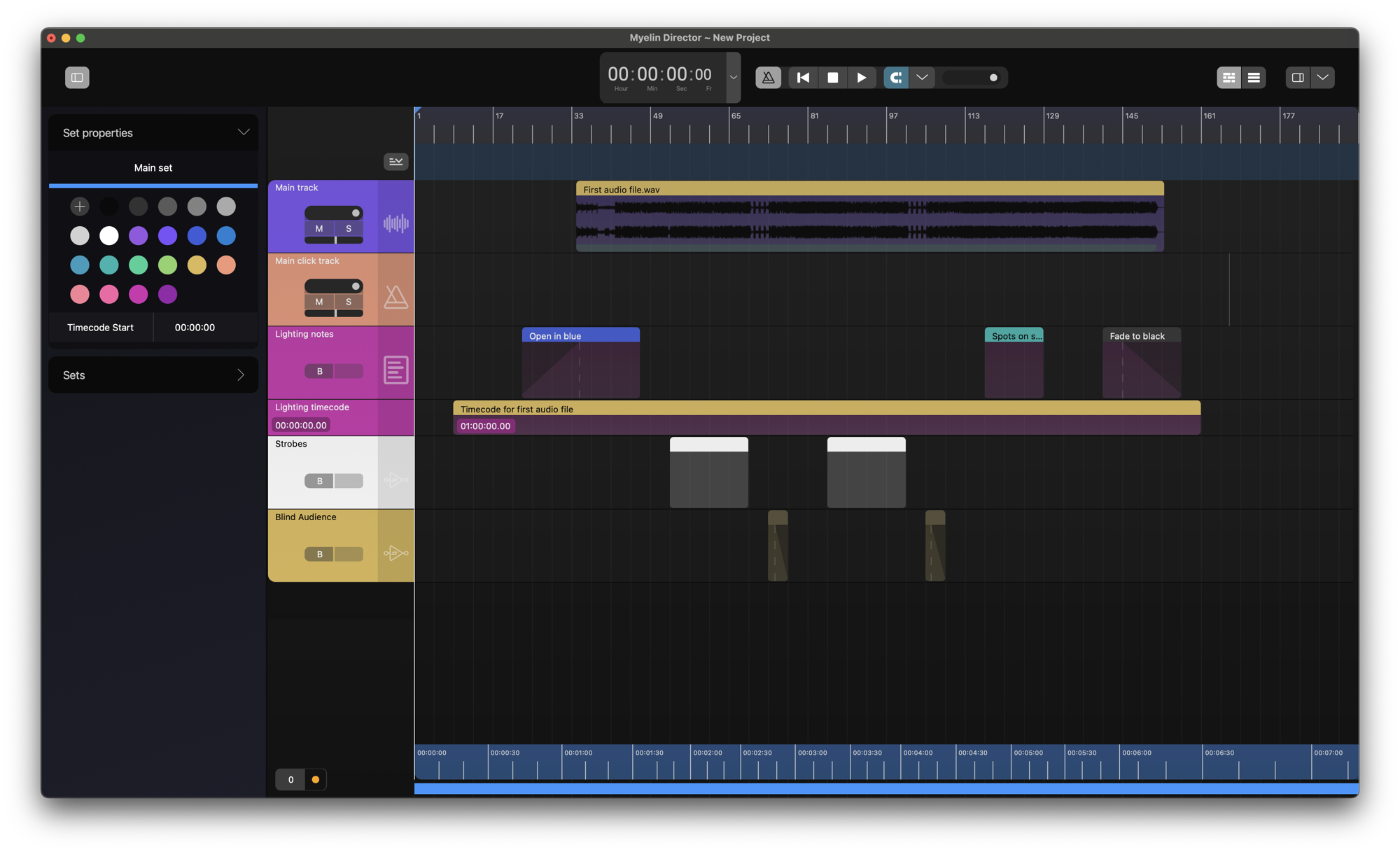
We start with a project containing a couple of tracks of various types.
Myelin Director can synchronize to various timecode sources:
- SMPTE LTC
- MTC (MIDI timecode)
- Art-Net timecode
- TCNet (covered separately)
If multiple timecode sources are enabled, the first protocol that provides a stream that Myelin Director can lock to will be used. If that stream stops, Myelin will use the protocol that was available for lock after the currently used one.
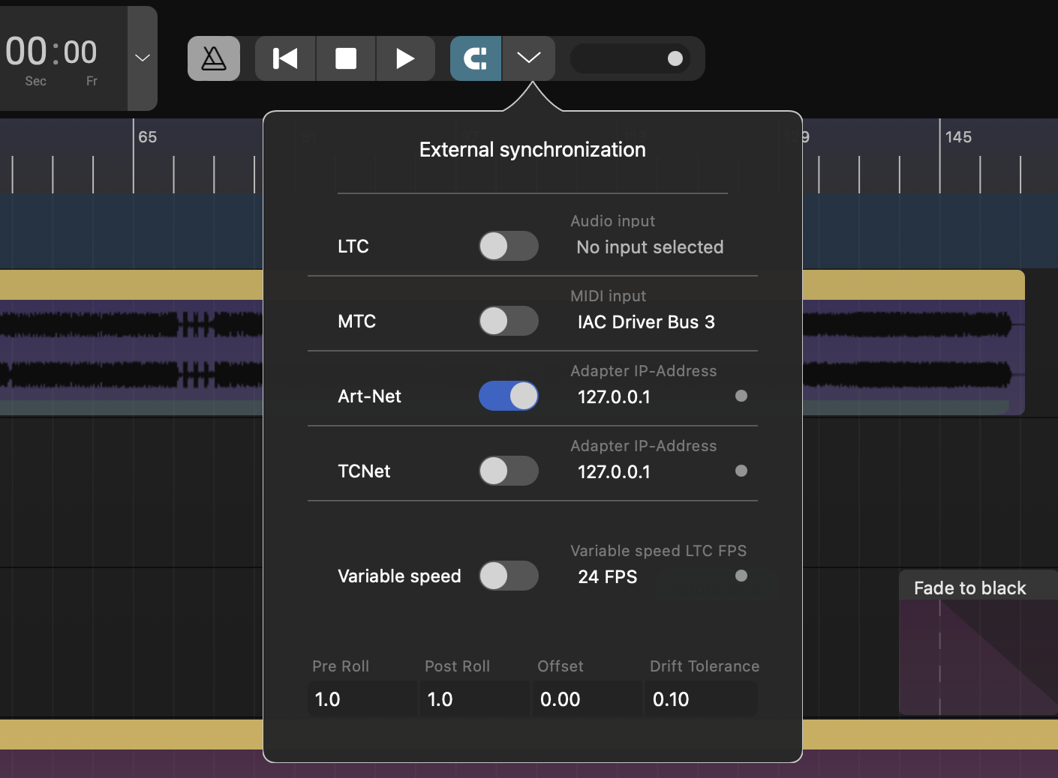
To enable external synchronization, we open the external synchronization popup, by clicking the magnet icon in the transport bar. In this popup window, we can enable the timecode sources.

In order to have audio inputs available, they have to be enabled in the preferences of the application. Please check out the Audio Preferences docs page, to learn how to enable audio inputs.
In order to have MIDI inputs available, they have to be enabled in the preferences of the application. Please check out the MIDI Preferences docs page, to learn how to enable MIDI inputs.
The other settings at the bottom of the popup window can be used to finetune the timecode synchronization:
- Pre Roll: The amount of time a timecode stream has to be valid before Myelin locks and starts following, in seconds
- Post Roll: The amount Myelin of time Myelin will keep playing back if the incoming timecode has stoppped, in seconds
- Offset: The number of seconds the Myelin transport position deviates from the incoming timecode
- Drift tolerance: The number of seconds the timecode source may drift, before Myelin re-locks to a new position
Myelin will automatically detect the frame rate, but will only lock to 24 FPS, 25 FPS, 29.97 FPS DF, and 30 FPS
In this example, we will use an Art-Net timecode source, coming from the same computer. We therefore select IP-address 127.0.0.1. The same principle holds for the other protocols.
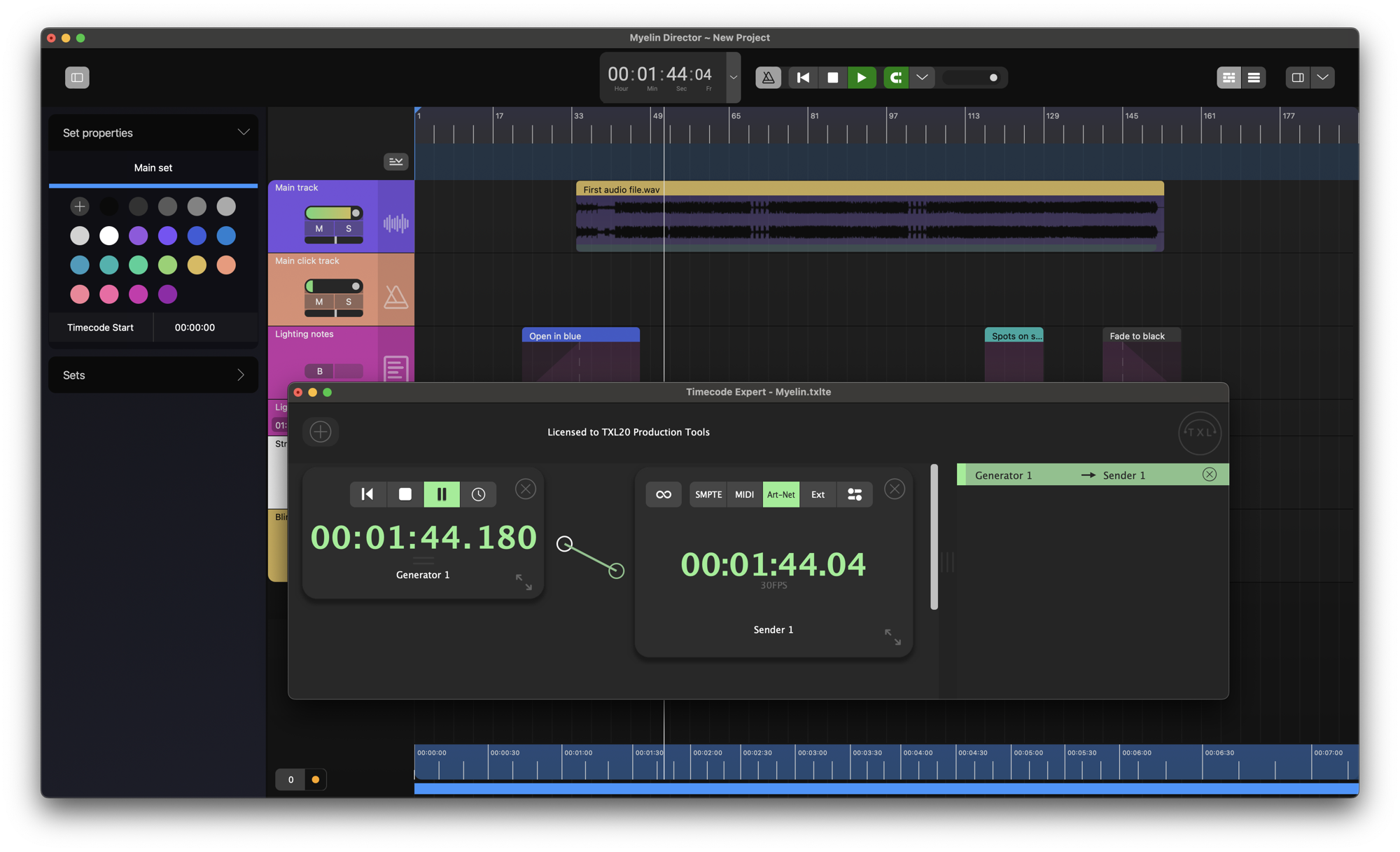
Using Timecode Expert to generate a 30 FPS Art-Net timecode stream on the same device, Myelin will lock to the stream and play in sync.