Trigger tracks
We start with a project containing an audio, click, note and timecode track.
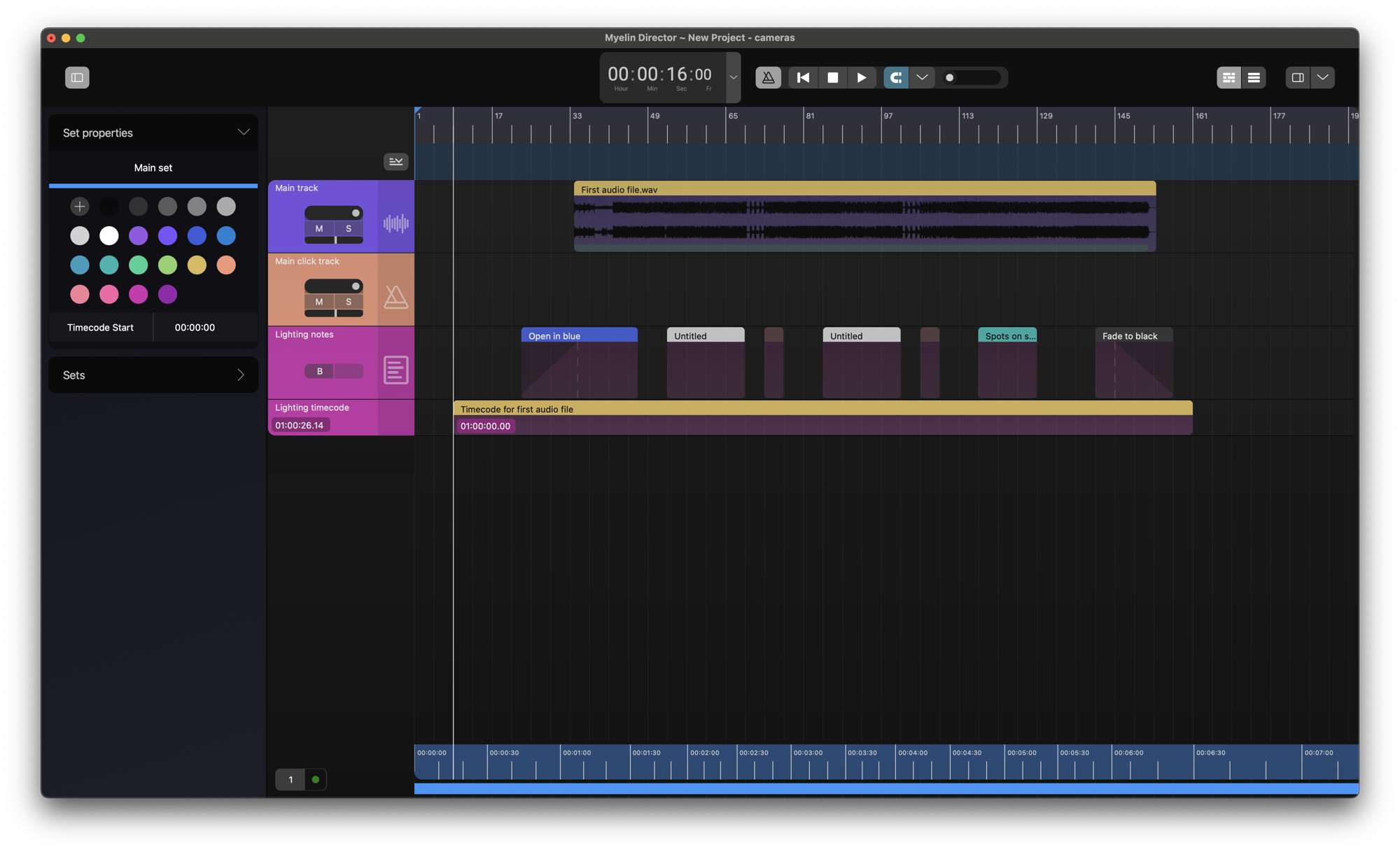
To insert an timecode track into your project, right click on the sidebar of of the timeline, and click [Add timecode track].
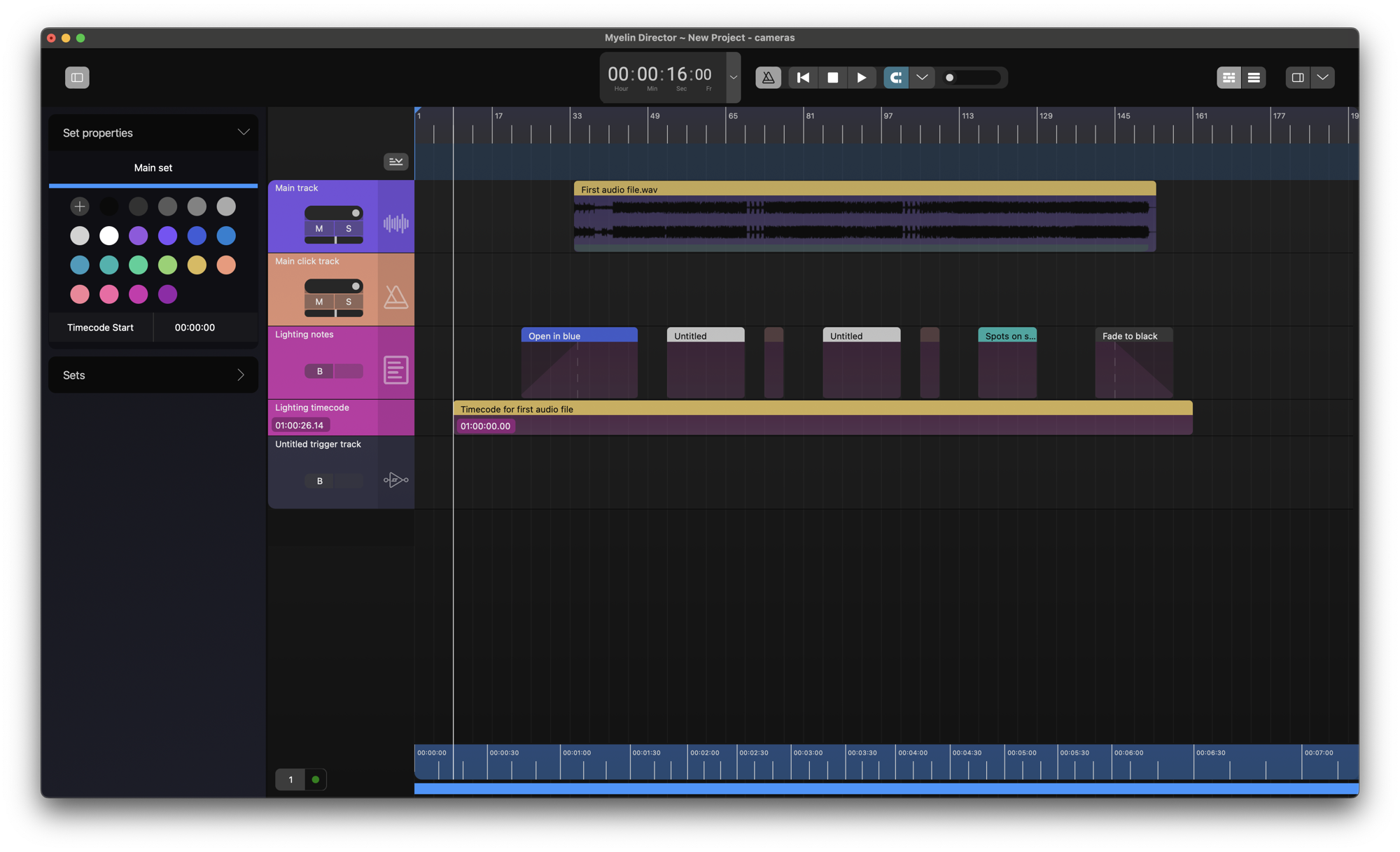
We can change the name and color of the trigger track, to better reflect its function.
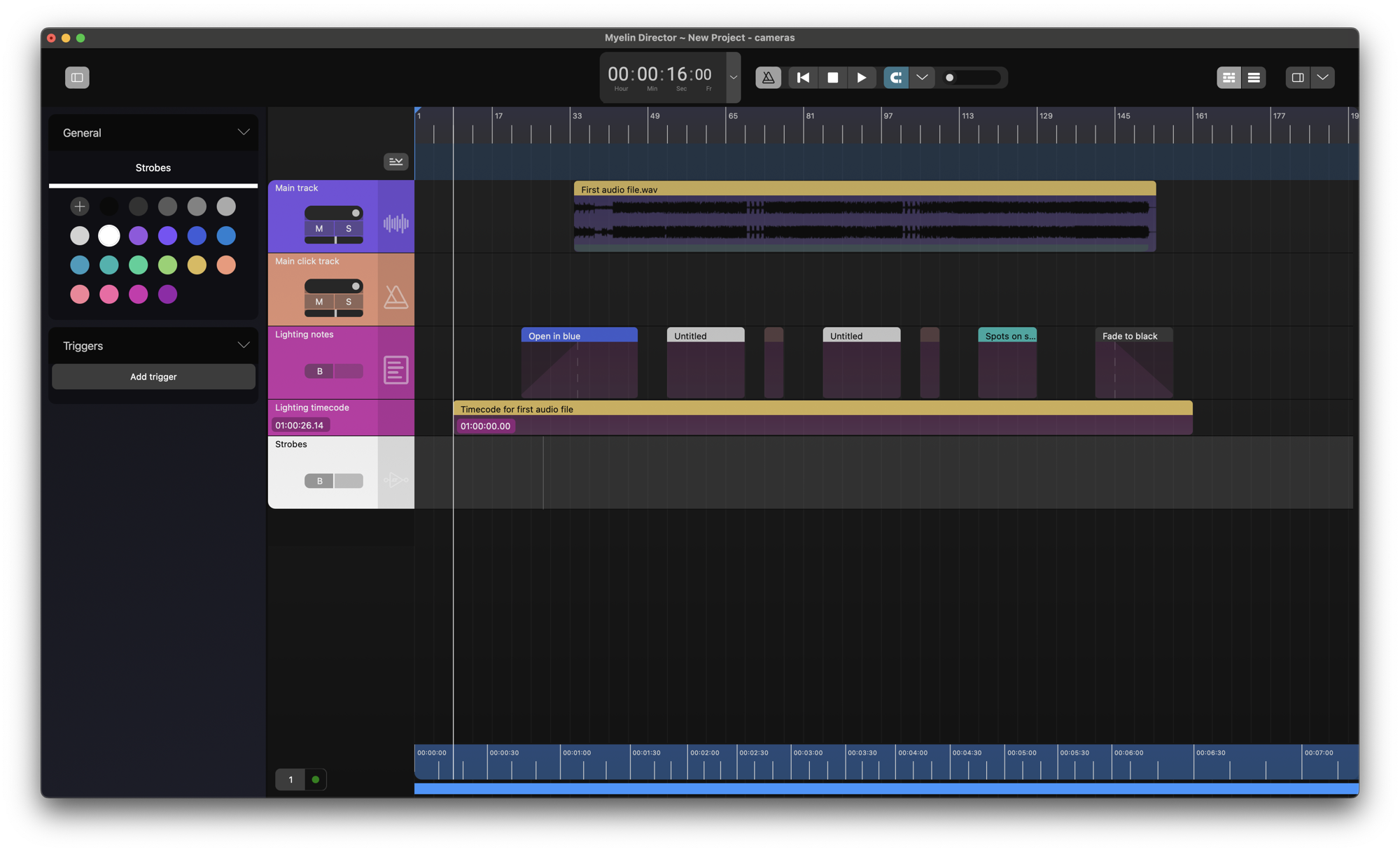
We remove the 'Strobes during chorus' notes on the 'Lighting notes' track and create triggers on the 'Strobes' track in their place.
We select the desired area for the note by dragging and right click and click [Add trigger].

We repeat the same process for the 'Blind audience' notes.

MIDI and OSC triggers
The triggers that we just created, as well as notes, created on a note track, can be used to trigger external software and hardware.
Find out more about configuring triggers here.